Data structure
Important

Parameterizations are done to a specific project. To parameterize to the other project, go to the official documentation SQLite.
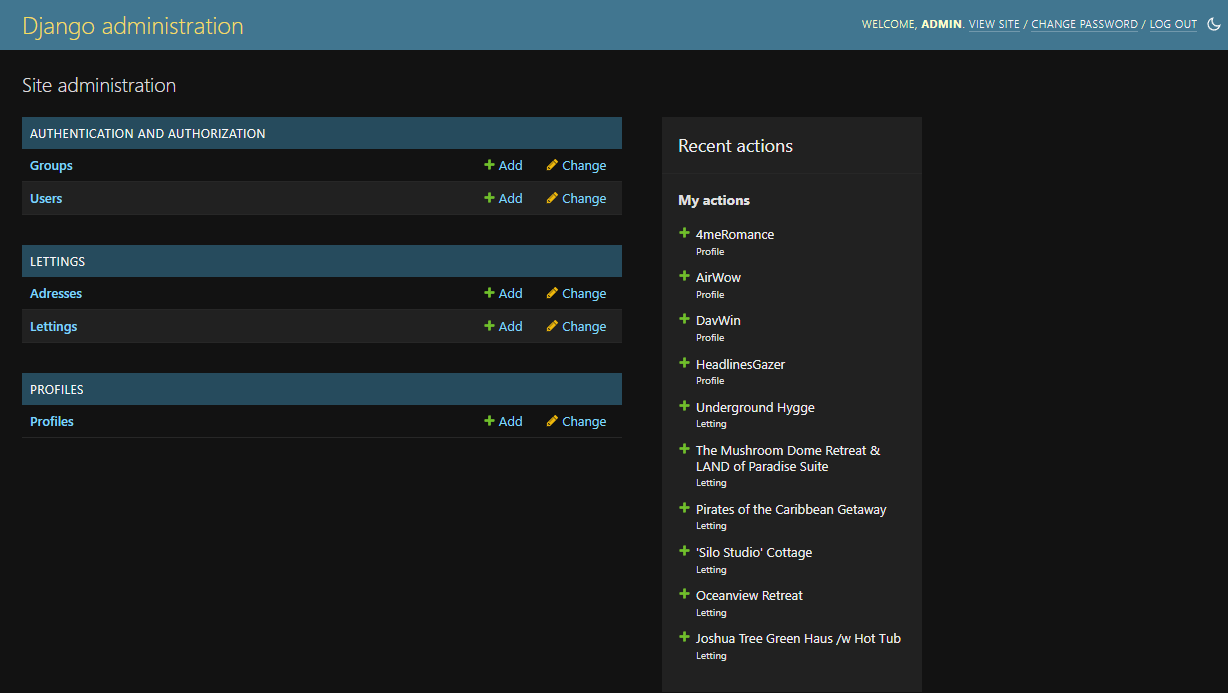
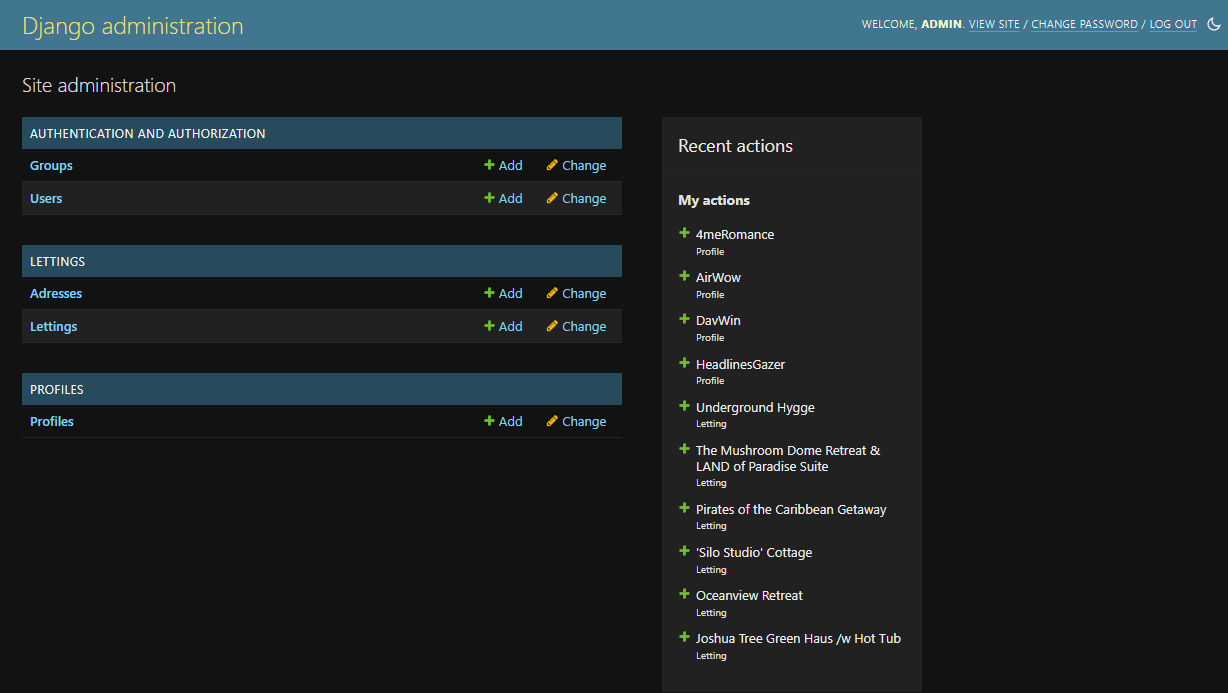
Admin start structure

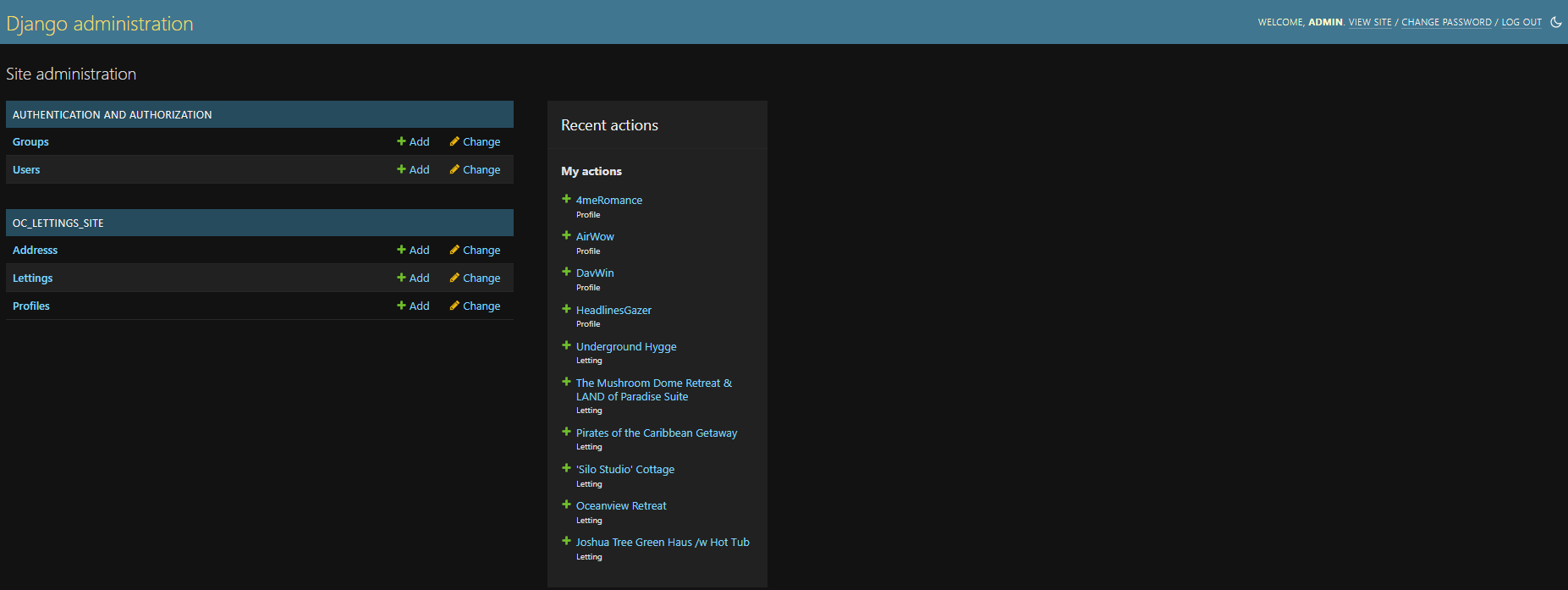
Project table
letting |
Name of the properties |
address |
Contains postal addresses of the properties |
profile |
Contains the country preference of the user |
To have a graphical interface, it is better to use the free software DB Browser for SQLite.
Address
Singular and plural
verbose_name = “Address”
verbose_name_plural = “Addresses”
Address information
id |
Automated incremental number, primary key |
number |
Street number, max value 9999 |
street |
Name of the street, 64 characters max |
city |
City’s name, 64 characters max |
state |
State’s code, 2 characters max |
zip_code |
Max value 99999 |
country_iso_code |
Country’s ISO code, 3 characters max |
Models structure
number |
PositiveIntegerField |
validators=[MaxValueValidator(9999)] |
|
street |
CharField |
max_length=64 |
|
city |
CharField |
max_length=64 |
|
state |
CharField |
max_length=2 |
validators=[MinLengthValidator(2)] |
zip_code |
PositiveIntegerField |
validators=[MaxValueValidator(99999)] |
|
country_iso_code |
CharField |
max_length=3 |
validators=[MinLengthValidator(3)] |
Lettings
Lettings information
id |
Automated incremental number, primary key |
title |
The name of the property to rent, max characters 255 |
address |
Foreignkey to addresses |
Models structure
title |
CharField |
max_length=256 |
|
address |
OneToOneField |
Address |
on_delete=models.CASCADE |
Profiles
User information
id |
automated incremental number, primary key |
user |
foreignkey to user’s table |
favorite_city |
the favorite city of the user, 64 characters max |
Models structure
user |
User |
on_delete=models.CASCADE |
|
favorite_city |
CharField |
max_length=64 |
blank=True |
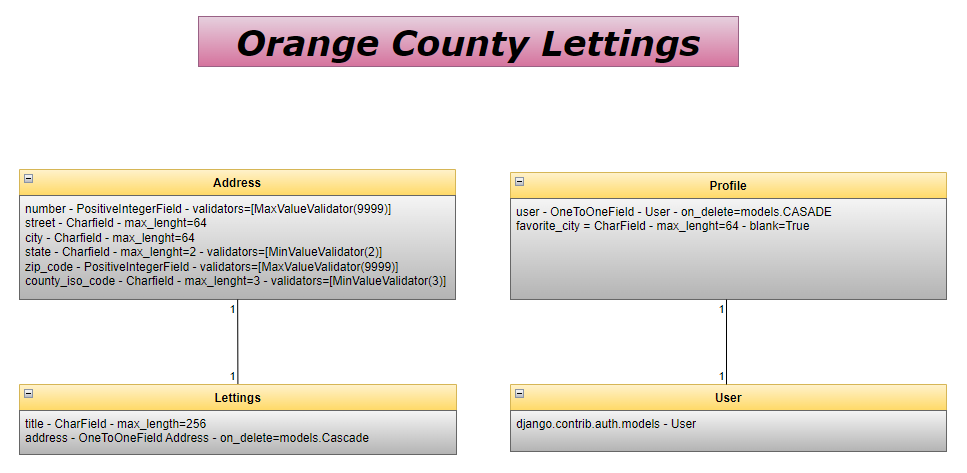
Schema
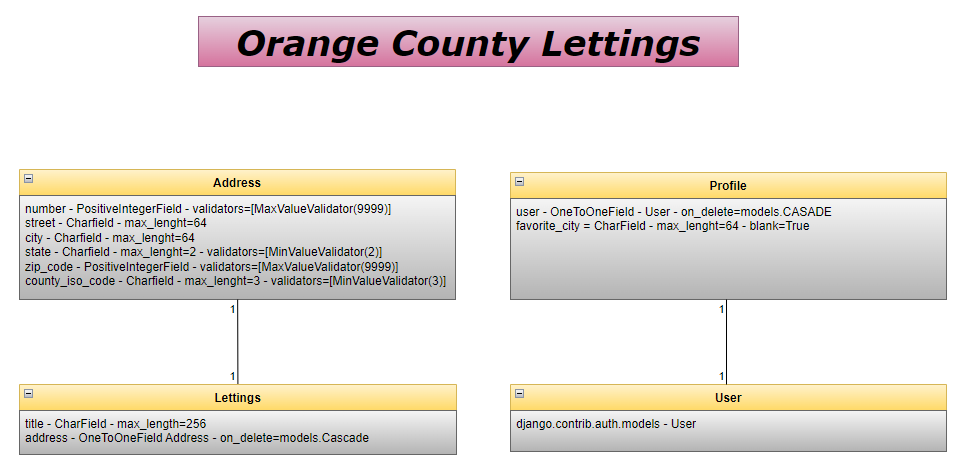
Admin end structure