Sentry
Important

Parameterizations are done to a specific project. To parameterize to the other project, go to the official documentation.
What is Sentry
Sentry is an error management platform that captures, tracks and resolves errors and exceptions. It provides detailed information about errors, local variables, and runtime information. This allows developers to diagnose and resolve issues quickly. Sentry’s Django integration
Install Sentry
Install sentry-sdk from PyPI with the django extra:
pip install --upgrade 'sentry-sdk[django]'
.env
To configure the Sentry SDK, initialize it in your settings.py file:
DSN="https://5748bad655e9f1da78f2dc955c0fd451@o4506677079900160.ingest.sentry.io/4506710341844992"
settings.py
By adding DjangoIntegration explicitly to your sentry_sdk.init() call you can set options for DjangoIntegration to change its behavior:
# setting.py

import os
import environ
import sentry_sdk
from sentry_sdk.integrations.django import DjangoIntegration

sentry_sdk.init(
    dsn=os.environ["DSN"],
    traces_sample_rate=1.0,
    profiles_sample_rate=1.0,
    enable_tracing=True,
    integrations=[
        DjangoIntegration(
            transaction_style="url",
            middleware_spans=True,
            signals_spans=False,
            cache_spans=False,
        ),
    ],
)
LOGGING
For a precise setting of the errors, it is necessary to use the installation logging
# setting.py

LOGGING = {
    "version": 1,
    "disable_existing_loggers": False,
    "handlers": {
        "console": {
            "class": "logging.StreamHandler",
            "formatter": "standard",
        },
    },
    "formatters": {
        "standard": {
            "format": "%(asctime)s [%(levelname)s] %(message)s",
            "datefmt": "%Y-%m-%d %H:%M:%S",
        },
    },
    "root": {
        "handlers": ["console"],
        "level": "WARNING",
    },
    "loggers": {
        "django": {
            "handlers": ["console"],
            "level": os.getenv("DJANGO_LOG_LEVEL", "INFO"),
            "propagate": False,
        },
    },
}
reception dashboard
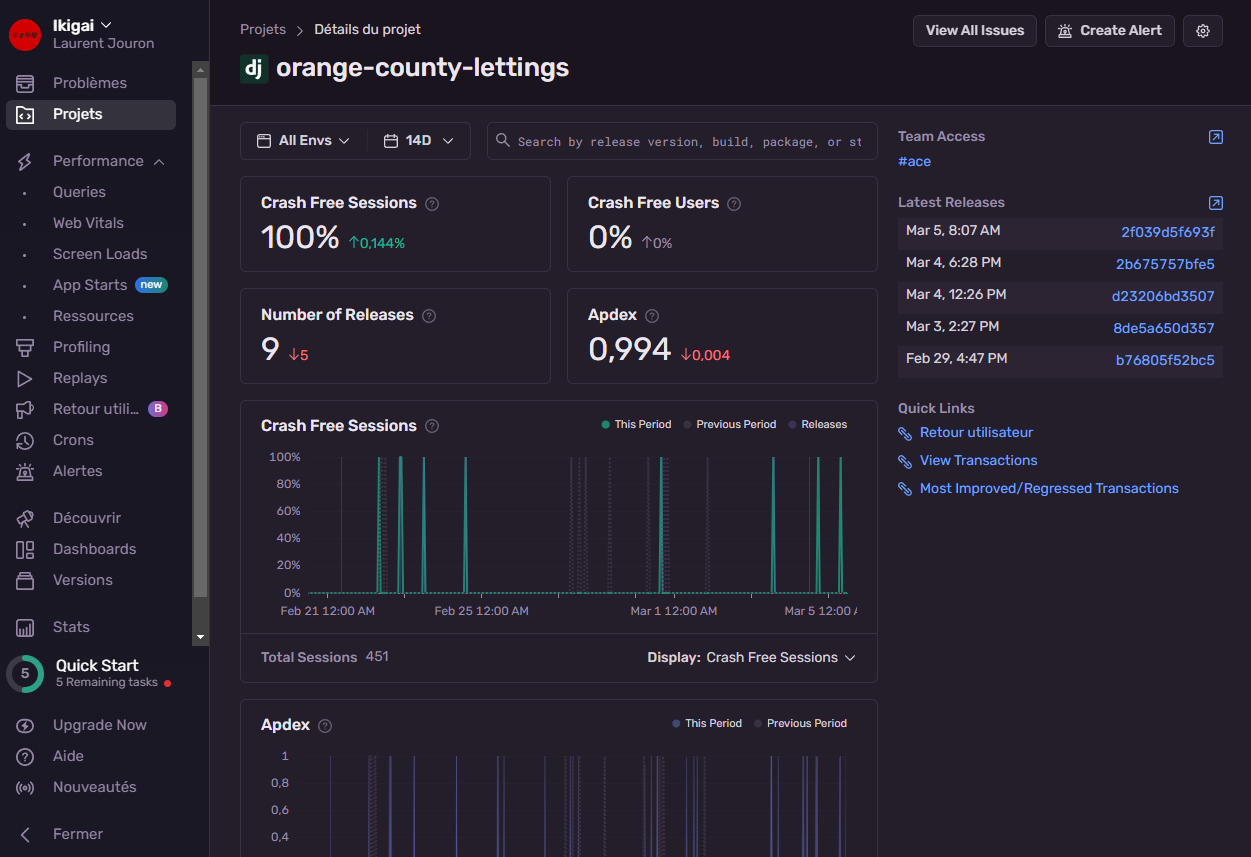
frontend dashboard
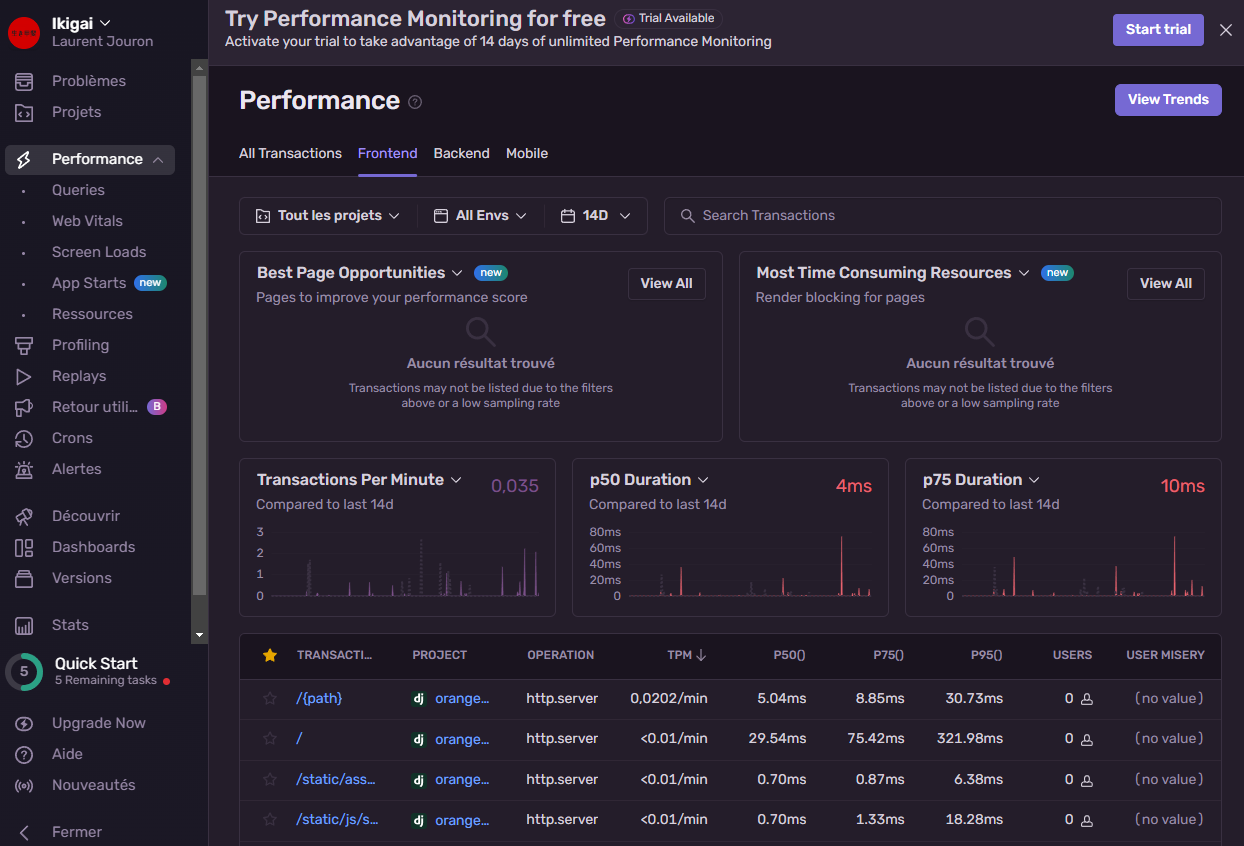
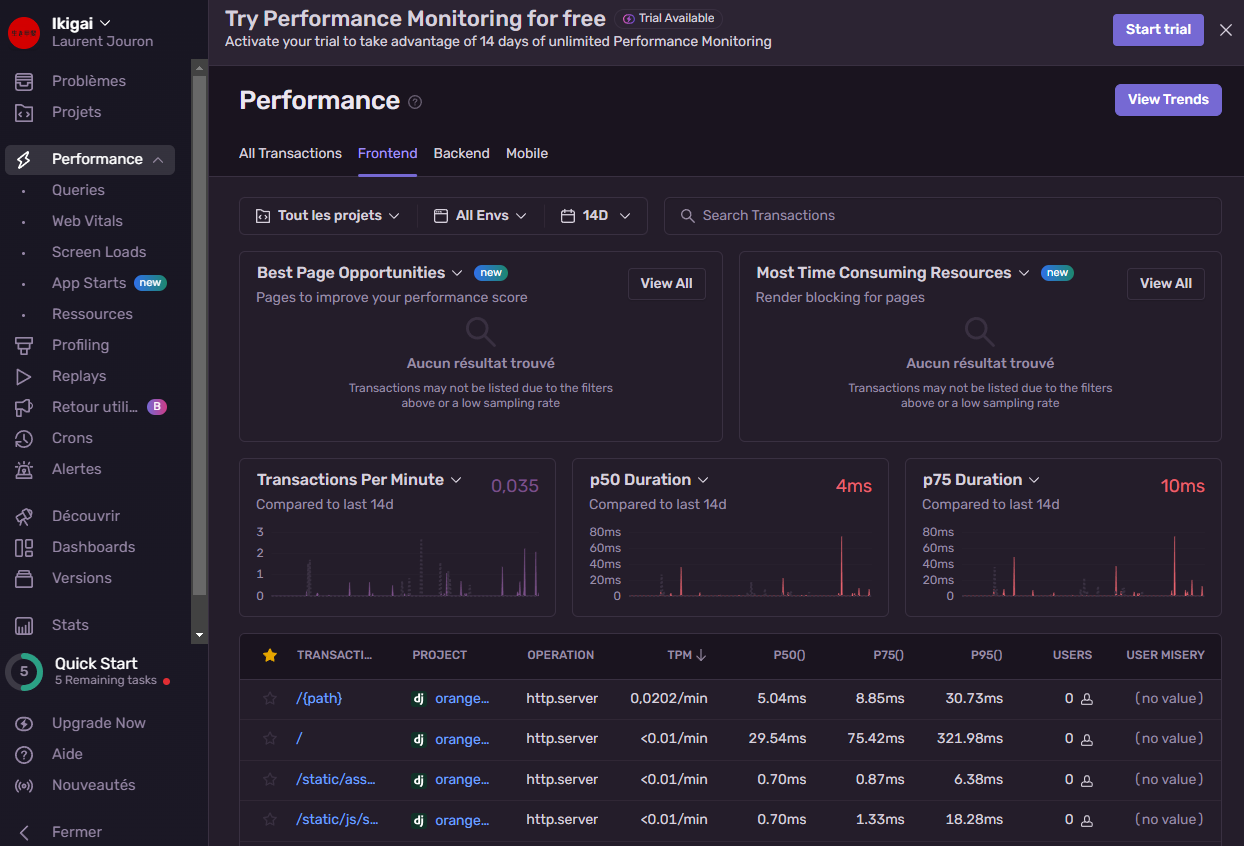
backend dashboard
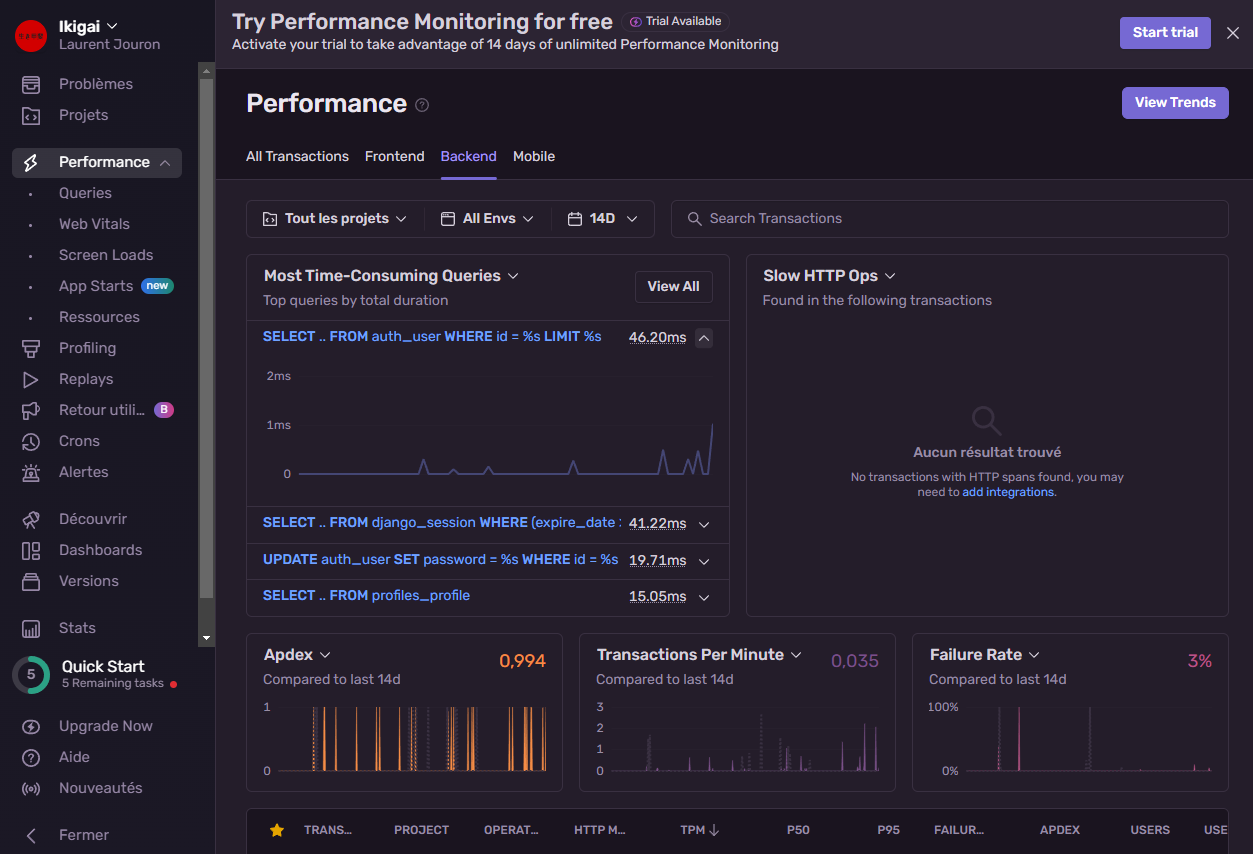
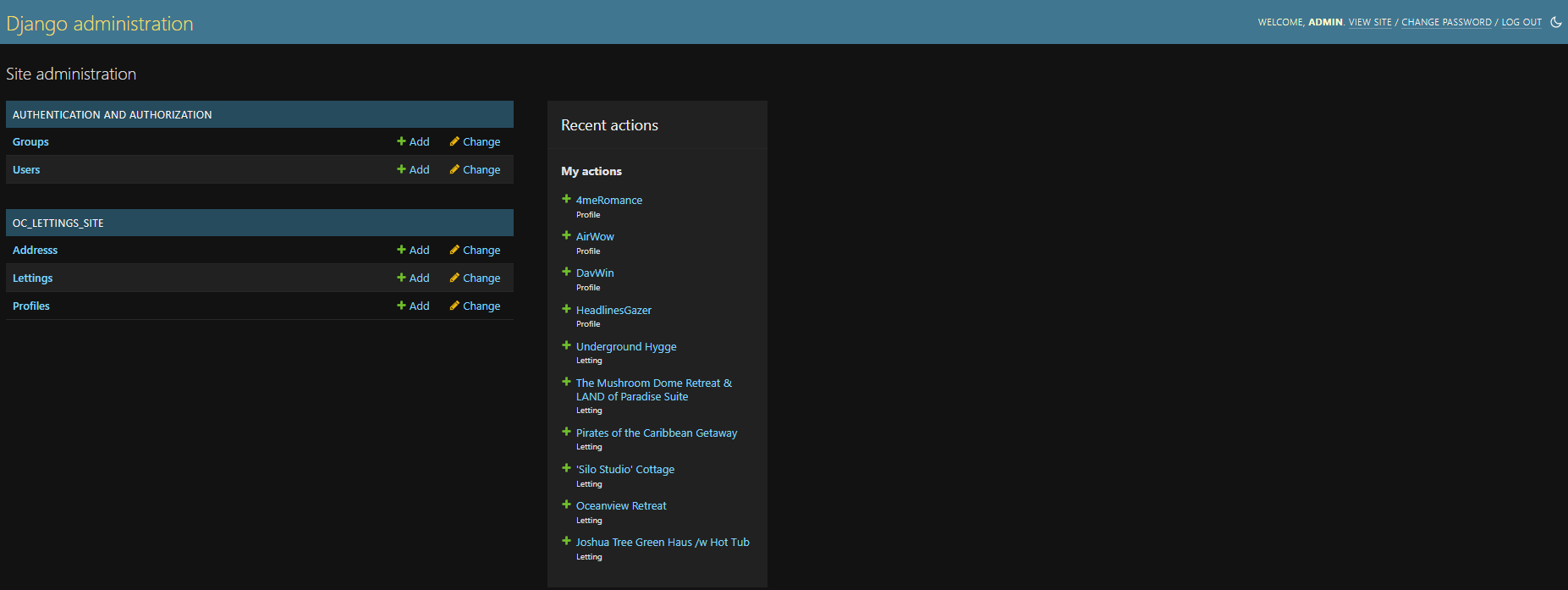
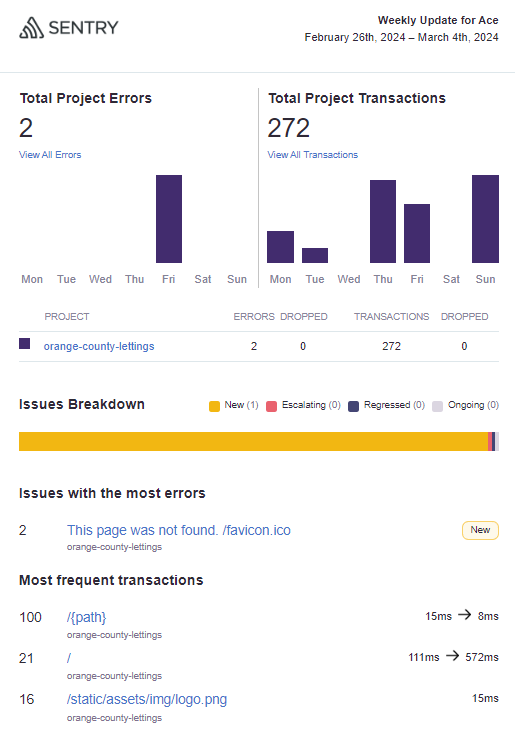
Email report
If everything is set properly, the confirmation emails receive it regularly depending on the settings.