Error
Important
The configuration below is very inspired by the official file sentry http_errors
404 Error
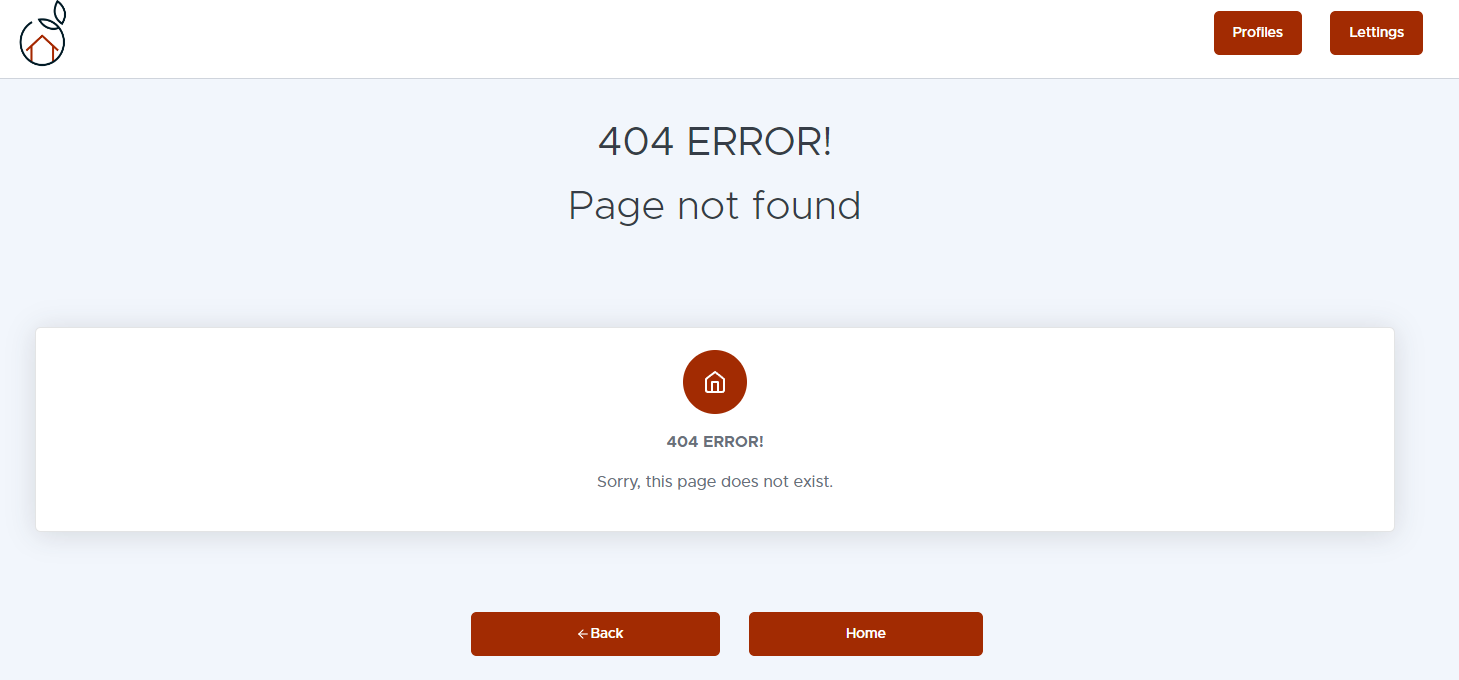
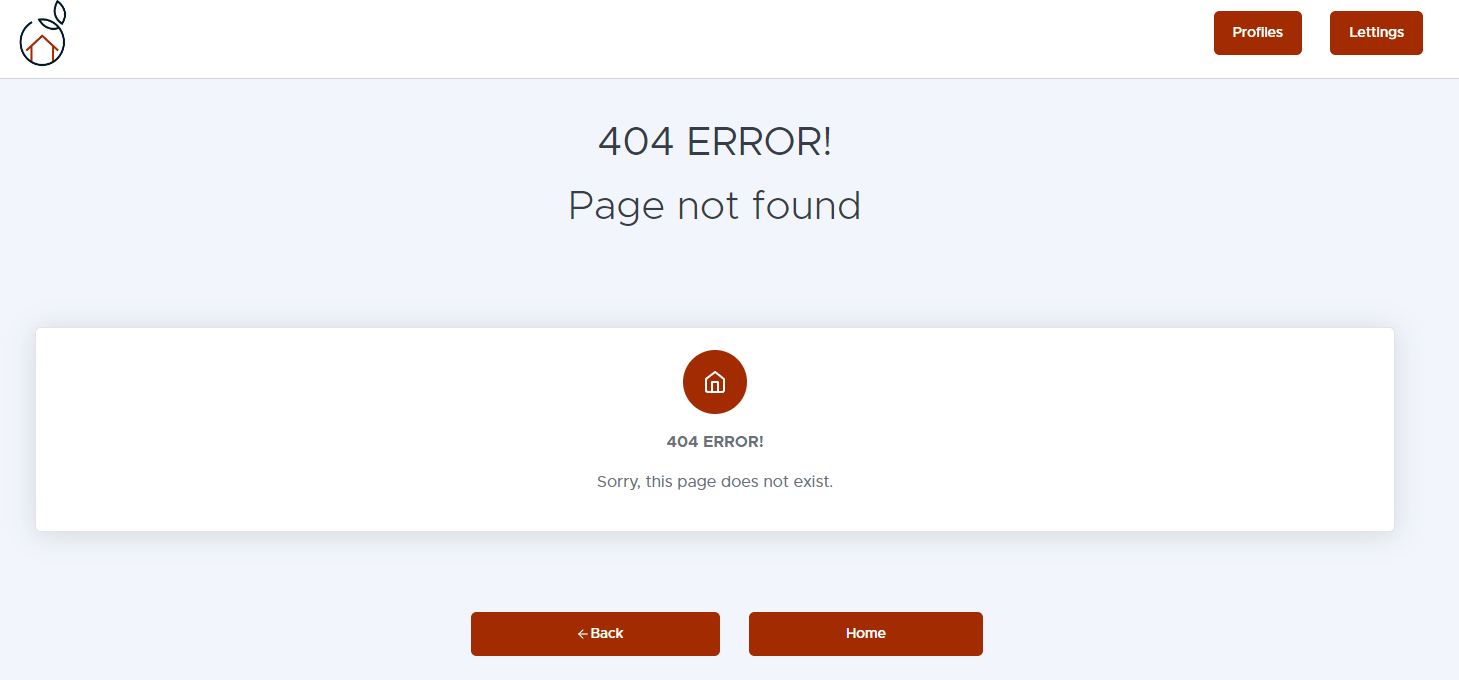
⚠️ 404 Error - Page not found
404 error is one of the most common HTTP errors and occurs when a user tries to access a resource (web page, file, etc.) that does not exist on the server. This error is usually displayed when the requested URL is not found in the application or on the web server. The 404 error is often called Page not found because it indicates that the requested resource is not available. In a Django application, a custom 404 error page can be displayed to guide users when they encounter this error.
Configuration in different views, depending on the example views.py:
def profile(request, username):
try:
    profile = Profile.objects.get(user__username=username)
except Profile.DoesNotExist as e:
    capture_exception(e)
    return render(request, "404.html", status=400)

except Exception as e:
    capture_exception(e)
    return render(request, "500.html", status=500)
context = {"profile": profile}
return render(request, "profiles/profile.html", context)
500 Error
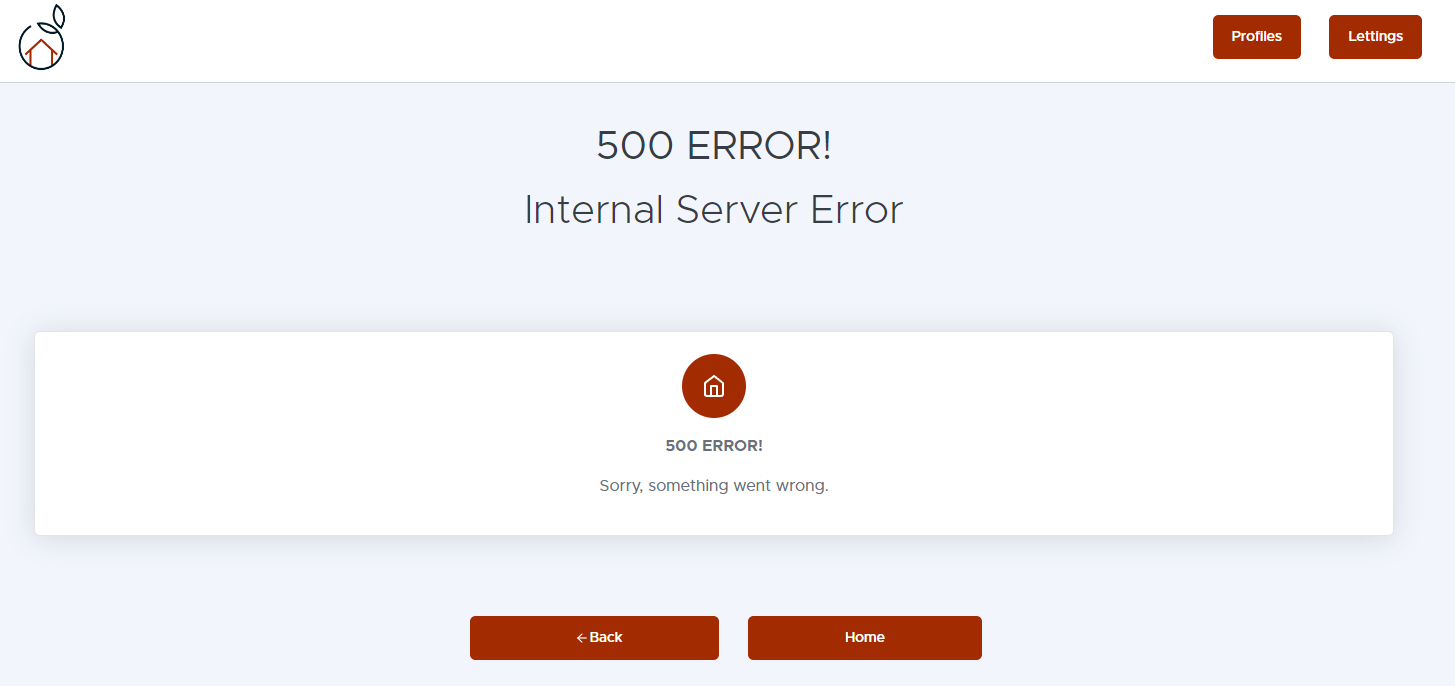
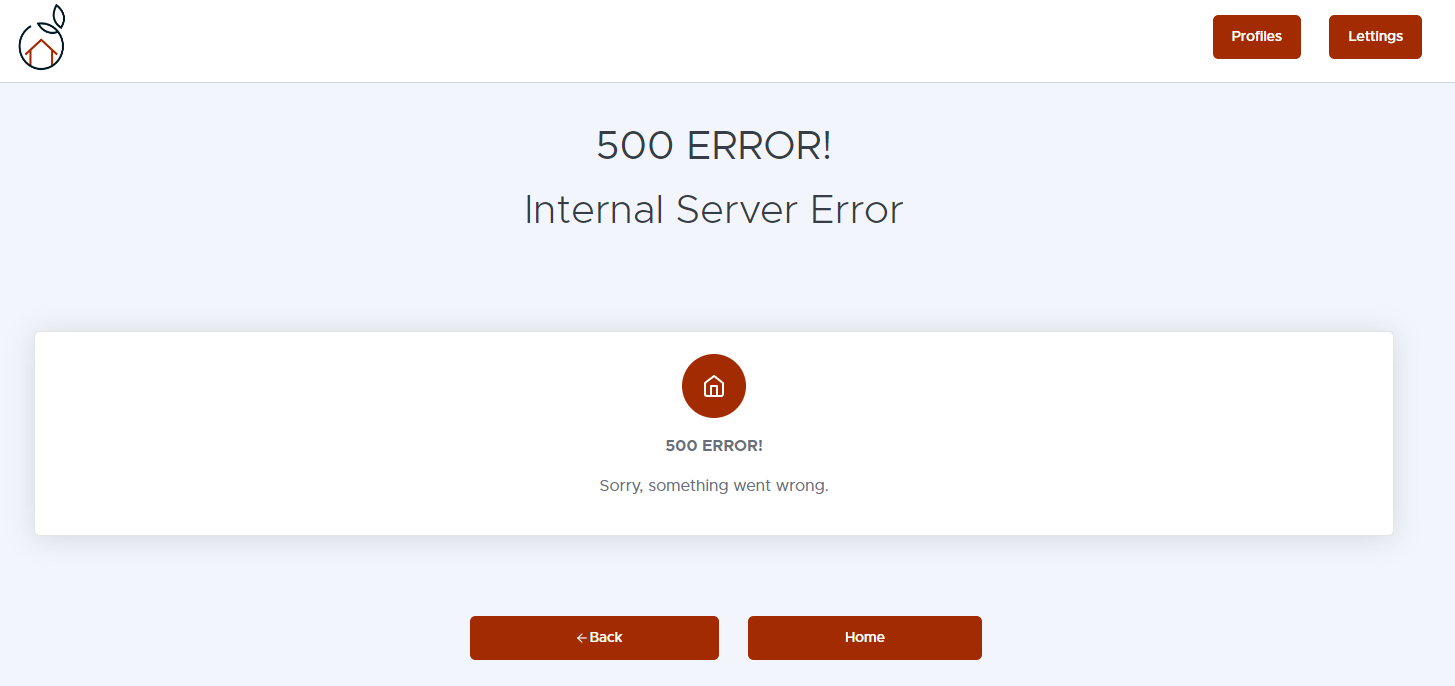
⚠️ 500 Error - Internal server error:
Error 500, also known as “Internal Server Error”, occurs when an error occurs on the server side that prevents the HTTP response from being generated correctly. This error may be due to various problems, such as programming errors in the application code, server configuration problems, database errors, etc. Unlike the 404 error which indicates a problem with the user’s request, the 500 error indicates a problem with the server itself. A custom 500 error page can be used to inform users that the server is experiencing temporary difficulties and to provide instructions on what they can do, such as trying again later or contacting the site administrator.
Summary
💡 In summary, the 404 error indicates that the requested resource does not exist, while the 500 error indicates an internal server error. In both cases, it is important to provide custom error pages to guide users and improve their website experience.